Kids Tablet Parental Control: Firmware Policy vs App
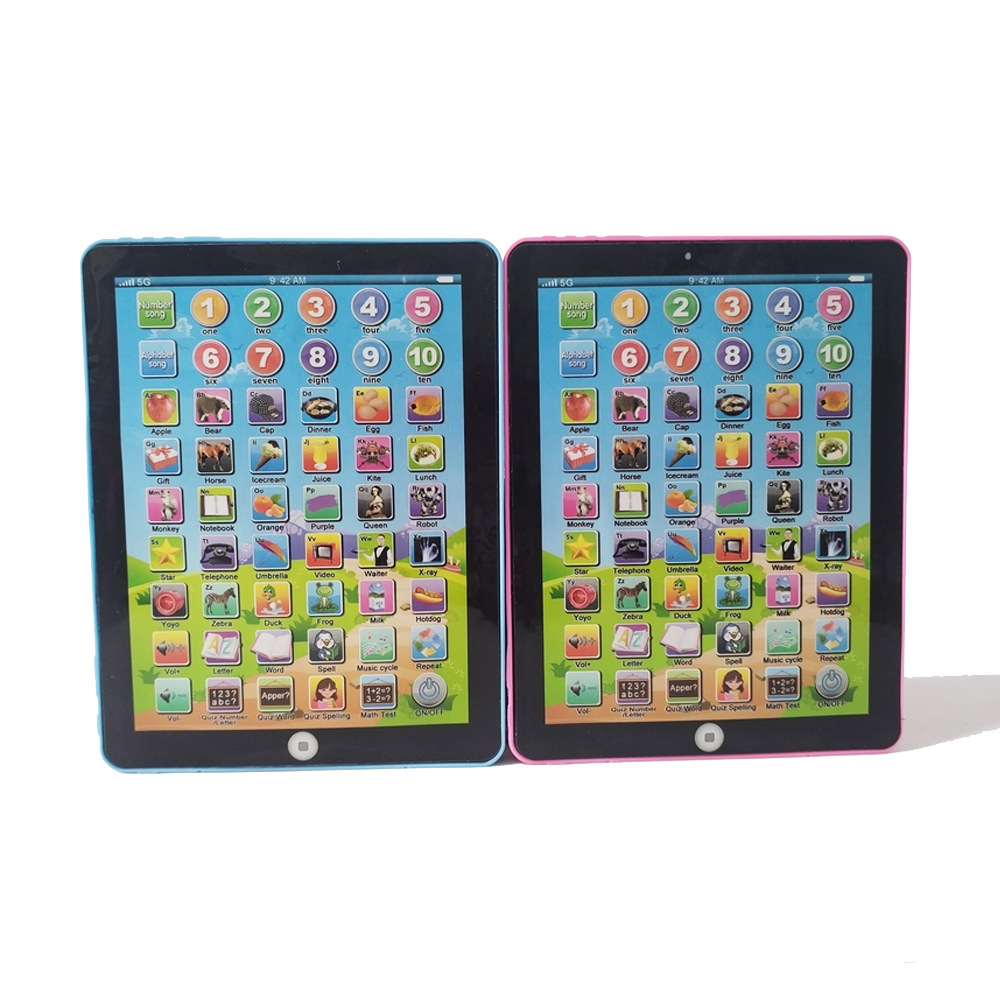
A purchasing manager evaluating a kids tablet parental control specification is usually handed a demo unit with the lock switched on. The demo tells you very little. What matters is where the rule lives: in an application the child can uninstall, or in firmware the child cannot reach. That single architectural choice determines your support load, your returns rate and whether the device can be resold into a refurbished channel. It also determines which compliance documents you need, because a firmware policy is part of the product build rather than a piece of software added afterwards.
Where the rule actually sits
An installed app requests permission from the operating system. If the child has access to settings, recovery mode or a factory reset, the app is one step away from being disabled. A firmware policy is compiled into the image. Screen time control, allow-lists and time windows are evaluated before the launcher starts, so clearing user data does not clear the policy. Ask your supplier one question: after a factory reset, does the device return to the locked state or to a clean Android launcher? If the answer is not immediate and specific, you are looking at an app. The learning pad is a useful reference point for how that distinction is documented per hardware revision.
Factory reset bypass is a procurement risk
Factory reset bypass is the failure mode buyers underestimate. A child who can reach recovery mode can wipe the device, and a wiped device is a returned device. The cost is not the unit; it is the reverse logistics, the support ticket and the review. When you write the specification, state the recovery path explicitly: which key combination enters recovery, whether the bootloader is locked, and how an authorised service centre clears the policy. If the supplier cannot describe the recovery path in writing, the lock is cosmetic. The same discipline applies to any learning robot in the same family, where a reset can also wipe pairing data.
What to put in the specification
| Decision point | App-level control | Firmware policy |
|---|---|---|
| Survives factory reset | No, unless re-provisioned | Yes, by design |
| Reachable from settings | Yes | No, hidden or PIN-gated |
| Cleared by service centre | Uninstall | Signed build or service key |
| Documented per hardware revision | Rarely | Required for CE RED file |
| White-label threshold | App white-label from 2,000 units | Firmware white-label from 2,000 units |
| Refurbishment path | Manual, undocumented | Repeatable, auditable |
The white-label threshold is the same for both routes under our published policy, but the engineering effort is not. A firmware policy is a build change and must be versioned alongside the hardware. That is why the CE RED file is assembled per model and hardware revision rather than once for a product family; the CE RED document checklist sets out what a test house expects to see. If your supplier offers a firmware lock without a revision number, the document set will not hold together at customs.
Compliance and the age grading
Whether the device falls under toy scope is decided by the age grading printed on the packaging, not by the marketing copy. If you print an age grade that brings the product into EN 71 and EN 62115, that scope is booked with an accredited laboratory per build. Parental controls do not change the grading, and a firmware policy does not exempt you. On the importer side, WEEE, BattG and DEEE/Triman duties sit with you, not with the factory. Plan the packaging and the registration before the tooling is cut. Our buyer resources cover the document set model by model.
Resale, refurbishment and saying no
Resale value follows documentation. A refurbisher will pay for a device whose lock can be cleared through a known, repeatable procedure. They will discount, or refuse, a device whose lock is an app nobody can name. Before you sign, confirm the following with your supplier:
- A written description of the recovery path and how the policy is cleared.
- The firmware revision number that carries the policy, and how updates are signed.
- Whether the policy survives a factory reset, tested on the exact revision you are buying.
- The document set supplied per model and hardware revision, including CE RED and RoHS 3.
- Which party holds WEEE, BattG and DEEE/Triman registration.
Where a supplier cannot answer the first three, say no. The MOQ saving is smaller than one season of returns. If you are weighing a stock platform against a modified one, OEM versus ODM explains where the firmware boundary usually falls, and the factory page shows how builds are gated at IQC, IPQC, FQC and OQC. Standard MOQ is 500 units, with firmware or app white-label from 2,000; samples run 3-5 days for stock and 7-15 for configured units, credited against mass production. Send the specification, including the recovery path you expect, through the contact form and we will confirm which parts are firmware and which are app before quoting.
Questions buyers ask
What is the difference between a parental control app and a firmware policy?
An app runs inside the operating system and can usually be removed, disabled or bypassed through settings, recovery mode or a factory reset. A firmware policy is enforced below the settings layer, so the child cannot switch it off without a signed build the brand owner controls. The distinction decides whether your product survives contact with a determined ten-year-old.
Does a firmware policy affect resale value?
Yes, in both directions. A locked-down device with a documented, reversible policy holds value in the refurbished channel because the lock can be cleared by an authorised build. A device with an undocumented app-level lock is a support liability, and importers often discount it or refuse it entirely.
Related: more on ai learning devices · buyer guides · customisation tiers