School AI Learning Tablet: The IT Questions Buyers Must Ask
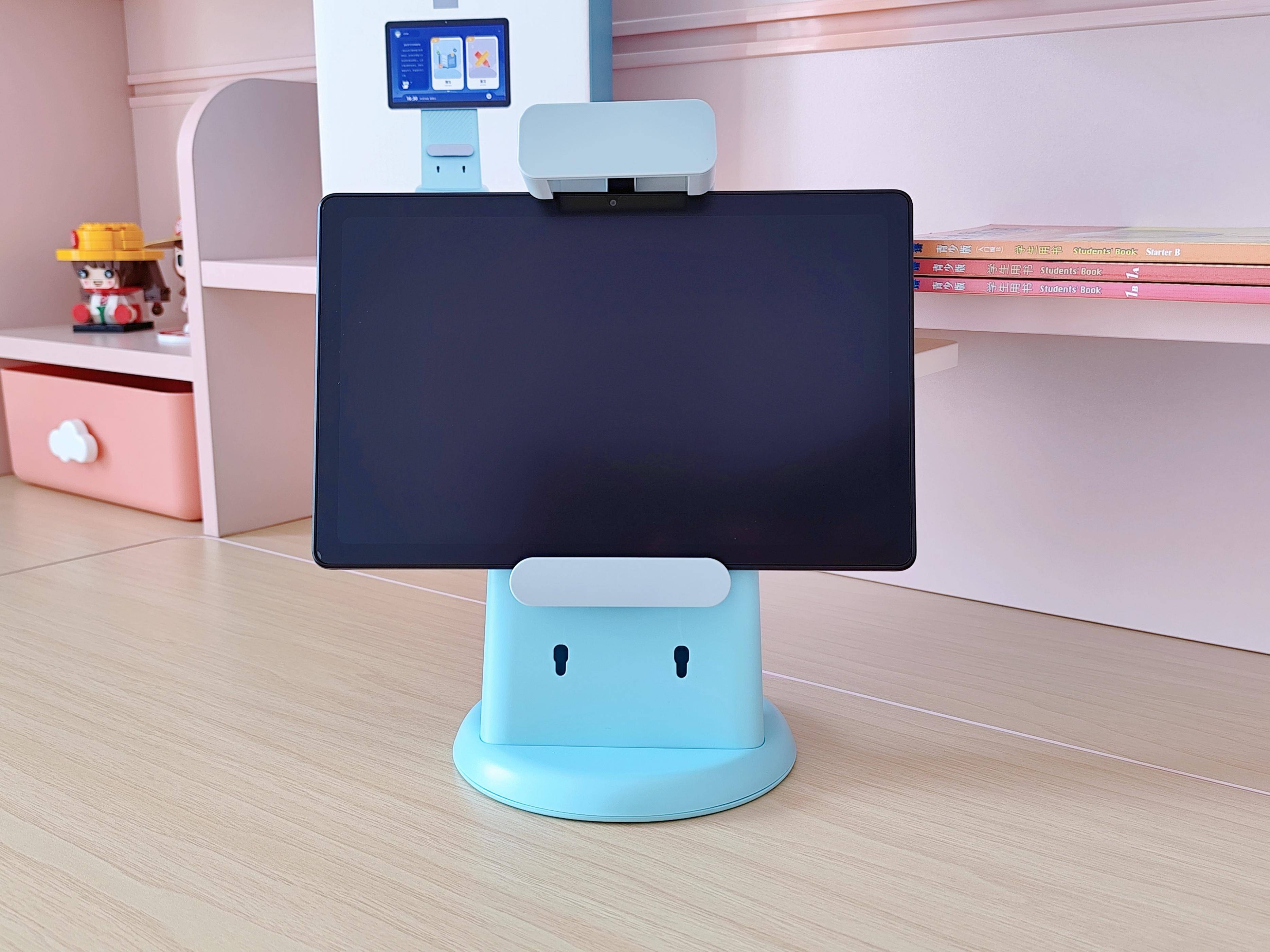
A school AI learning tablet is bought twice: once by the IT administrator who has to make it work on an existing network, and once by procurement who has to make it clear customs. The consumer listing speaks to neither. It shows a screen size, a battery icon and a price, and leaves the questions that decide whether a rollout succeeds unanswered until the pilot week. The questions below are the ones worth sending to a supplier before you request a sample, because the answers change the bill of materials, the certification scope and the delivery date. For context on how the category splits between pads, robots and companion devices, the AI Learning & Robotics line is a useful starting point.
Device management is a firmware decision, not an app
MDM enrolment is the first question an IT administrator asks, and it is the one most often answered vaguely. A device that ships with a consumer retail image will usually accept a downloaded MDM agent, but the agent sits above the user, not below it. A student can remove it, and a factory reset returns the tablet to an unmanaged state. What a school actually needs is an image where the enrolment is provisioned at first boot, the settings app is restricted, and factory reset protection is configured to your organisation's account rather than a personal one.
That is a firmware change, so it belongs in the ODM conversation rather than the after-sales one. If your supplier cannot describe the enrolment path in writing, treat the pilot as unproven regardless of how the demo unit behaves. The distinction between rebadging an existing build and configuring one to your specification is set out in the OEM versus ODM note, and it is the difference between a two-week sample and a twelve-week tooling programme.
Classroom wifi is a density problem, not a coverage problem
Thirty tablets in one room is not thirty phones spread across a corridor. The access point sees simultaneous association, simultaneous content download and simultaneous reconnection after a lesson change, and cheap radios fall over under exactly that pattern. Ask the supplier which bands the module supports, whether the antenna design was tuned for a hand-held orientation, and whether the device supports a managed configuration that can be pushed to a fixed SSID without student interaction.
You should also ask what happens when the network is absent. A tablet that cannot open its lesson content offline is a tablet that stops the lesson. Local caching, a defined offline mode and a clear statement of what syncs when connectivity returns are procurement requirements, not features. A supplier who cannot answer this has not built for classrooms.
Google Play, GMS and the licensing gap
Google Play and GMS are not licensed by default on any device a Shenzhen factory ships. The licence is granted by Google to the brand owner under its own terms, and no manufacturer can promise it on your behalf. This matters enormously for schools, because a curriculum built around Play Store apps depends on a licence you may not hold. If your software stack can be delivered as an APK or through your own store, the constraint disappears. If it cannot, plan GMS as a separate workstream with its own legal review, and do not let it sit inside the hardware purchase order where nobody owns it.
The compliance scope follows the age grading
Toy safety scope is decided by the age grading printed on the packaging, not by the product name. A device graded for younger children pulls in EN 71-1/-2/-3, EN 62115 and the Toy Safety Directive, booked with an accredited laboratory per build. A device graded for older students does not. Radio equipment carries CE RED with EN 300 328, EN 301 489 and EN 62368-1, plus FCC Part 15 B/C for North America and UKCA on request. Batteries travel with UN38.3 and an SDS, and skin-contact items need EN 1811 nickel release testing. The CE RED document checklist is written for wearables but the document logic applies here too.
| IT question | What to ask for | Why it decides the order |
|---|---|---|
| MDM enrolment | Written enrolment path and image provisioning method | Determines whether the device is manageable or merely app-managed |
| Wifi behaviour | Band support, antenna orientation, managed SSID configuration | Density performance decides whether a full class can work at once |
| Offline mode | Cache size, sync behaviour, content fallback | A lesson that stops when wifi drops is not a lesson |
| GMS status | Explicit statement that Play is not licensed by default | Prevents a curriculum dependency nobody can fulfil |
| Certification scope | Documents listed per model and hardware revision | A revision change can invalidate the earlier test report |
| Importer duties | Confirmation that WEEE, BattG and Triman sit with the importer | Registration is the importer's obligation, not the factory's |
| Update policy | Stated security patch window and delivery method | A three-year rollout needs a three-year answer |
What to settle before you request a sample
Bring the IT administrator into the specification meeting, not the pilot review. The list below is the minimum that should be answered in writing before a configured sample is built:
- Enrolment method, provisioning trigger and factory reset protection owner.
- Wifi bands, antenna design intent and managed network configuration support.
- Offline content behaviour and the sync model when connectivity returns.
- Explicit GMS and Google Play licensing status, with no implied promise.
- Certification documents listed per model and hardware revision, with the lab named.
- Security patch window and the mechanism used to deliver updates.
- Which entity holds WEEE, BattG, DEEE/Triman and EORI/VAT obligations.
On the factory side, the practical constraints are straightforward. Education builds run 30-40 days in production, with samples at 3-5 days for stock and 7-15 days configured, and sample cost credited against mass production. MOQ is 500 units standard, 1,000 for education models, and firmware or app white-label starts at 2,000 units. Warranty is 12 months with 2 % free replacement parts shipped with the order, and QC runs IQC, IPQC, FQC and OQC at AQL 2.5 major and 4.0 minor. The how we build and test page describes those gates, and the OEM/ODM services page covers how a custom image is scoped.
One caution worth stating plainly: if a supplier offers Google Play, a named certification and a two-week custom firmware build in the same email, decline and ask again in writing. A serious supplier will separate what is booked, what is quoted and what depends on a third party. If your rollout also includes a learning robot or a companion robot, note that a companion device is not a monitoring or emergency-response device, and that any health output is wellness guidance rather than diagnosis. Send the IT administrator's written answers, together with your target age grading and destination markets, to send us the specification and we will return a scoped quotation against the revision you are actually buying.
Questions buyers ask
Can a school manage these tablets centrally?
Only if the firmware image supports your MDM enrolment method and the build is locked before it leaves the factory. Ask the supplier to state the enrolment path in writing, because a consumer retail image and an education image are not the same thing.
Does the tablet come with Google Play?
Not by default. Google Play and GMS are licensed separately by Google, and a manufacturer cannot grant that licence on your behalf. If your school depends on Play Store apps, treat GMS licensing as a separate project with its own timeline.
Who handles WEEE and battery registration in the EU?
The importer does. WEEE, BattG, DEEE/Triman and EORI/VAT obligations sit with the entity placing the device on the market, so a distributor importing into Germany or France carries those duties, not the Shenzhen factory.
Related: more on ai learning devices · buyer guides · customisation tiers